Courier dog mascot ↗
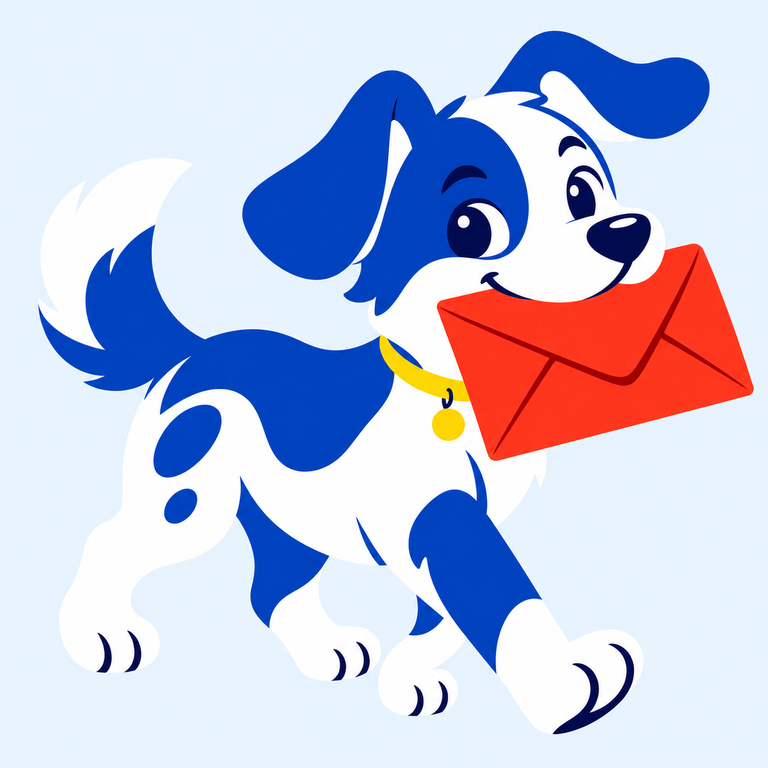
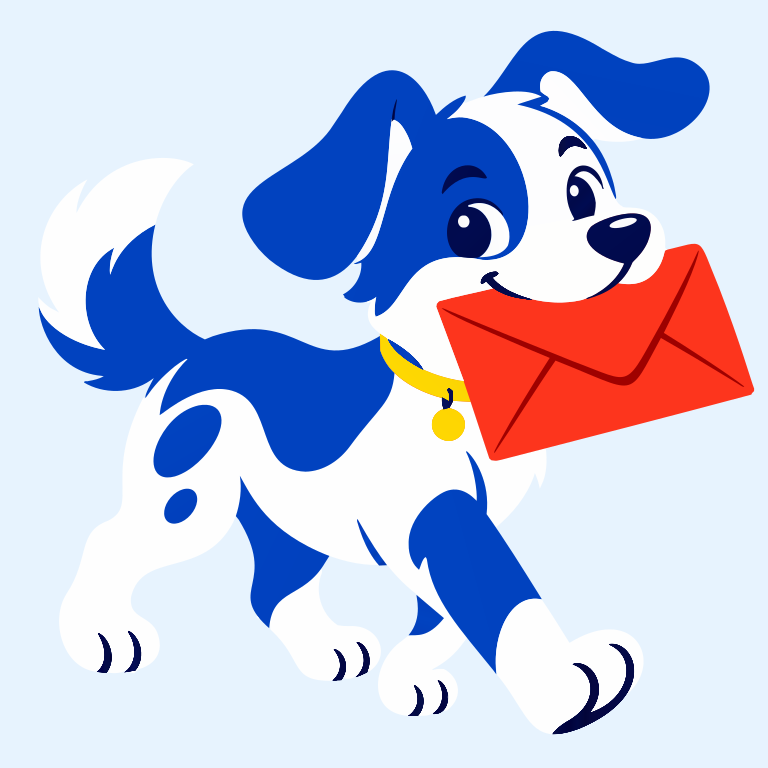
An AI-created mascot with a red envelope and blue markings. Compare the envelope folds, eyes and paw shapes. The pale blue background is part of the image.

An AI-created mascot with a red envelope and blue markings. Compare the envelope folds, eyes and paw shapes. The pale blue background is part of the image.
PNG / JPG / WebP / GIF / BMP · up to 20 MB each
Connecting…
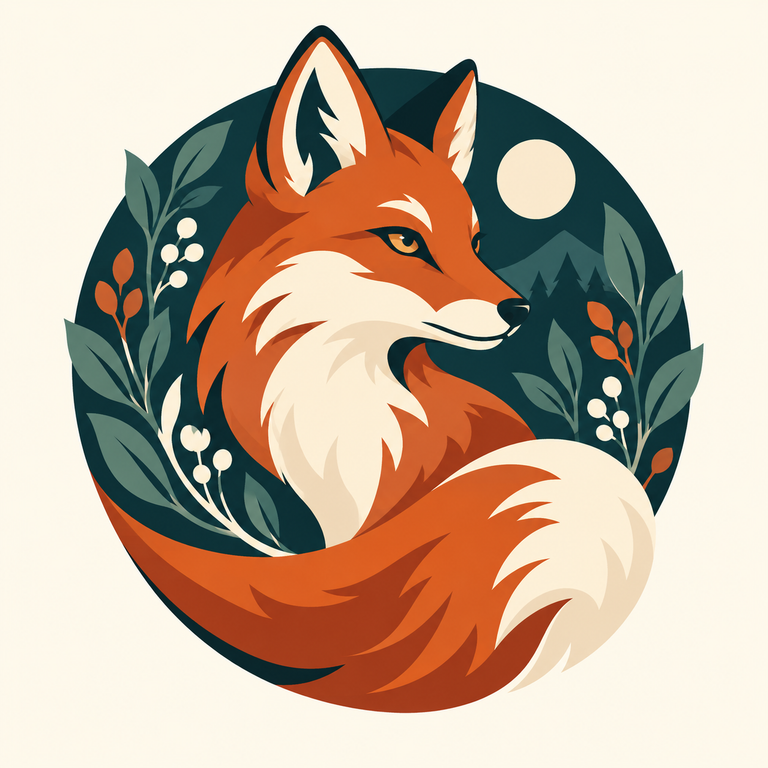
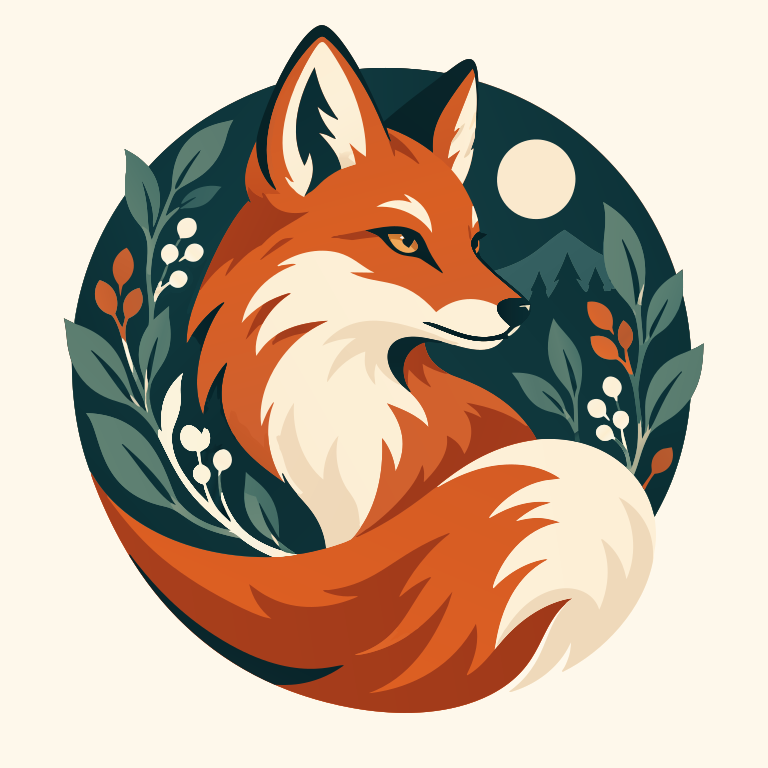
An AI-created mascot with a red envelope and blue markings. Compare the envelope folds, eyes and paw shapes. The pale blue background is part of the image.
Open the example and download the original image and SVG for free, without signing in.
Keep a clear raster image for fixed-size display if you do not need to edit shapes. Choose SVG for specific edits or resizing only after checking the artwork; detailed illustrations can produce larger files.
Read the related explanation →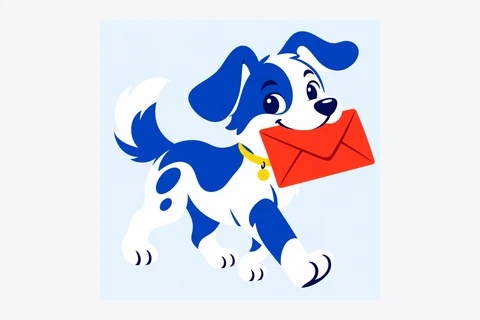
Convert a logo or icon into a PDF containing vector shapes. This keeps the converted colors, gradients and transparency.
Convert an icon into shapes you can resize or recolor. This example uses the green ImageSVG website icon.
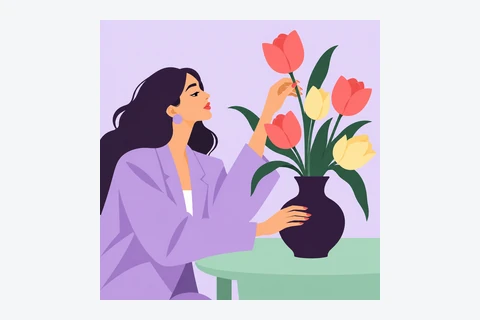
Convert an image, download the SVG and drag it into Figma. You can then edit the shapes and colors. Letters from the image become shapes, not text you can retype.
Already have an image made with AI? Convert it to SVG, then edit its shapes in a drawing app. This tool converts image files; it does not draw from a text prompt.
Choose a clear logo or drawing. Use the original file if you have it, rather than a small screenshot.
Sign in and convert. Zoom in to check letters, corners and small gaps against the original.
Download the SVG. Open it in the app where you plan to use it and check that it looks right.
Yes. Open the SVG in a vector editor such as Figma, Inkscape or Illustrator to change shapes and colors. Letters from the image become shapes: to change a word, type it again in your editor. Some effects may look different between apps.
No automatic tracer can guarantee perfection. This tool suits icons and logos, not photos. Tiny text, touching shapes, shadows and textures may need manual edits. Try a free preview before buying.
No. Your image and SVG result are not uploaded to the cloud during conversion. Account authorization and quota records use only the necessary usage data. Feedback you choose to submit is uploaded separately.
Your images and results stay in this browser for 24 hours. Download them in time, or upload the original again after they expire.