
Raster vs vector: what is the difference?
Learn why a PNG gets blurry when enlarged, what a vector file changes, and what to do when a printer asks for one.

ImageSVG · Learn
Not sure which file you need, or why your SVG looks wrong? Start with the question closest to yours.
New to vector files? Start with these guides, then convert your image. Raster vs vector: what is the difference? · SVG vs PNG: which should you use? · See the conversion steps
Learn why a PNG gets blurry when enlarged, what a vector file changes, and what to do when a printer asks for one.
Compare enlarging, converting to vector and redrawing. Choose the right next step for a small or blurry logo.
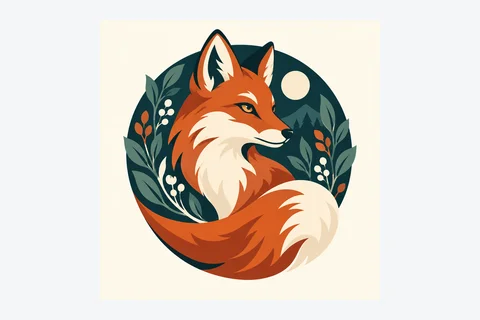
Convert an AI-generated logo, fix lettering and check the result before using it on a website or sending it to a printer.
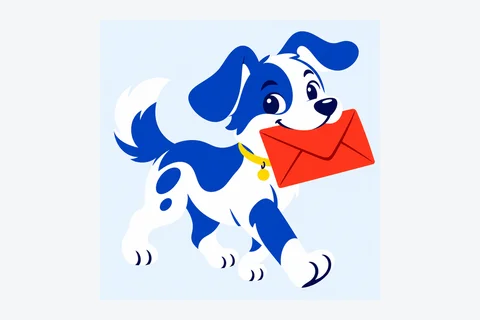
Choose a file for a website logo, a photo or a drawing you want to edit. A transparent background alone does not require SVG.

Use SVG for editing, ask the printer about PDF or EPS, and check DXF dimensions in your CAD software. See what each ImageSVG export keeps.

Check whether your SVG contains separate shapes or just a picture. Start in your drawing app; checking the code is optional.

Find out whether the white is part of the image or just the page behind it. Check white boxes, checkerboards and pale edges.

Find out why conversion can increase file size and what to check before simplifying the result. Download the original and SVG to compare them.
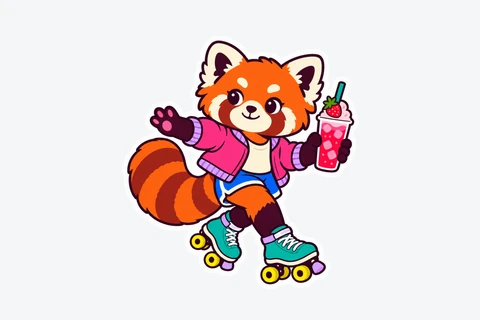
Download a colorful red panda sticker as PNG, SVG or a ready-to-print sheet. Want to use your own drawing? Follow the steps below to prepare it and make an editable SVG.
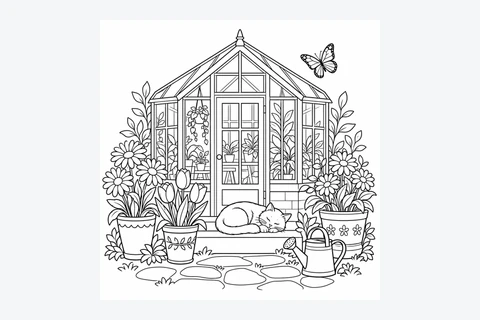
Download a free printable coloring page — a garden with flowers, a greenhouse and a sleeping cat — as PNG, SVG or an A4/Letter PDF, no account needed. Learn how to make your own coloring page from line art, then enlarge or edit it as SVG.