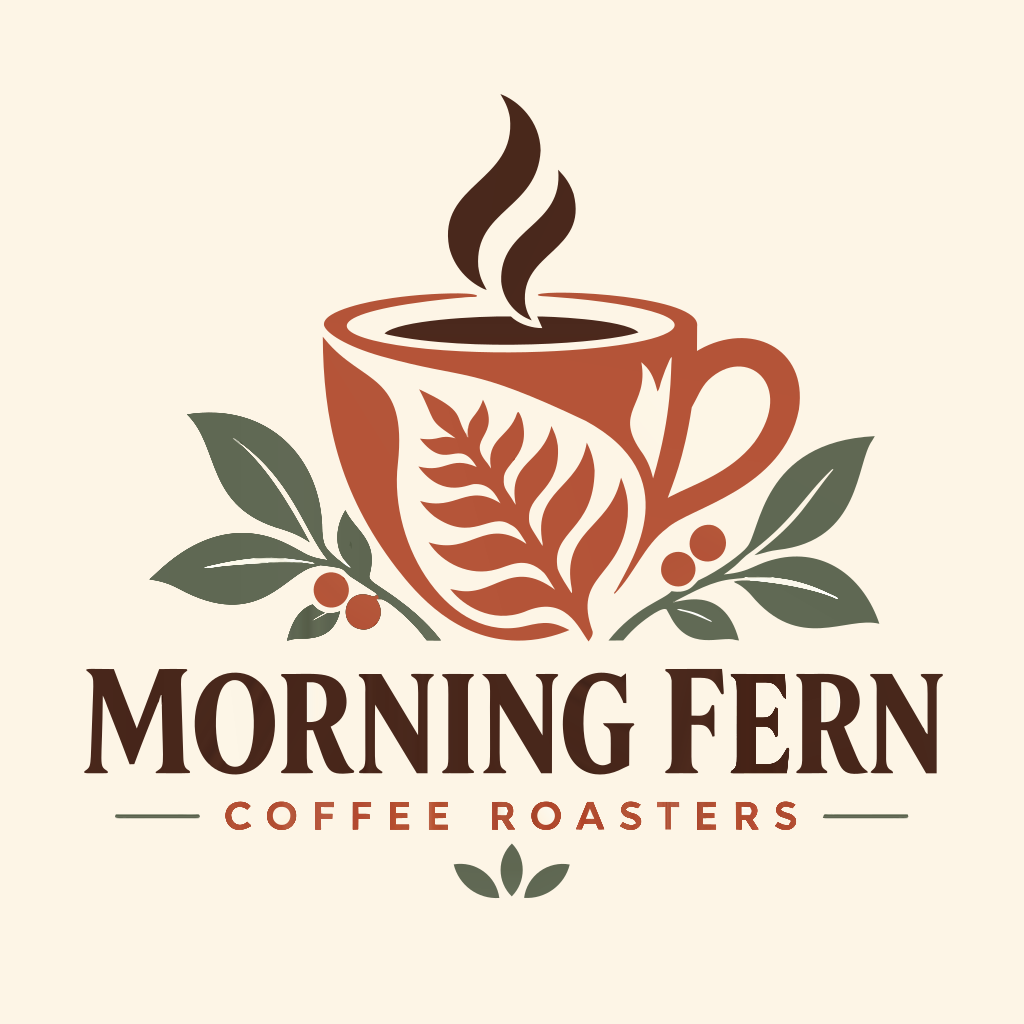
Choose your image
Use the original logo at its full size. In Morning Fern, check that the small COFFEE ROASTERS lettering and the gaps inside the leaves are clear.

Convert a logo into editable shapes so it stays sharp on signs, posters and large screens. The Morning Fern example focuses on the small COFFEE ROASTERS line.
PNG / JPG / WebP / GIF / BMP · up to 20 MB each
Connecting…
Use the original logo at its full size. In Morning Fern, check that the small COFFEE ROASTERS lettering and the gaps inside the leaves are clear.
At a larger size, vector edges stay crisp while the original PNG gets blurry. Check the cup handle, leaf tips and letter spacing before using the logo bigger.
Letters become editable shapes, not a text box. To change the words, retype them with the appropriate font in your drawing app.
Ask the recipient where the logo will be used. A website may accept SVG; a printer may need a specific PDF, physical size, bleed or color setup. ImageSVG does not certify PDF/X or CMYK output. Keep the editable original and supply a separate file matching the recipient’s requirements.
If fine lettering or brand-specific geometry is uncertain, request the original design or have those parts redrawn. A vector file is useful only if it represents the correct logo; changing the file extension cannot establish brand accuracy.
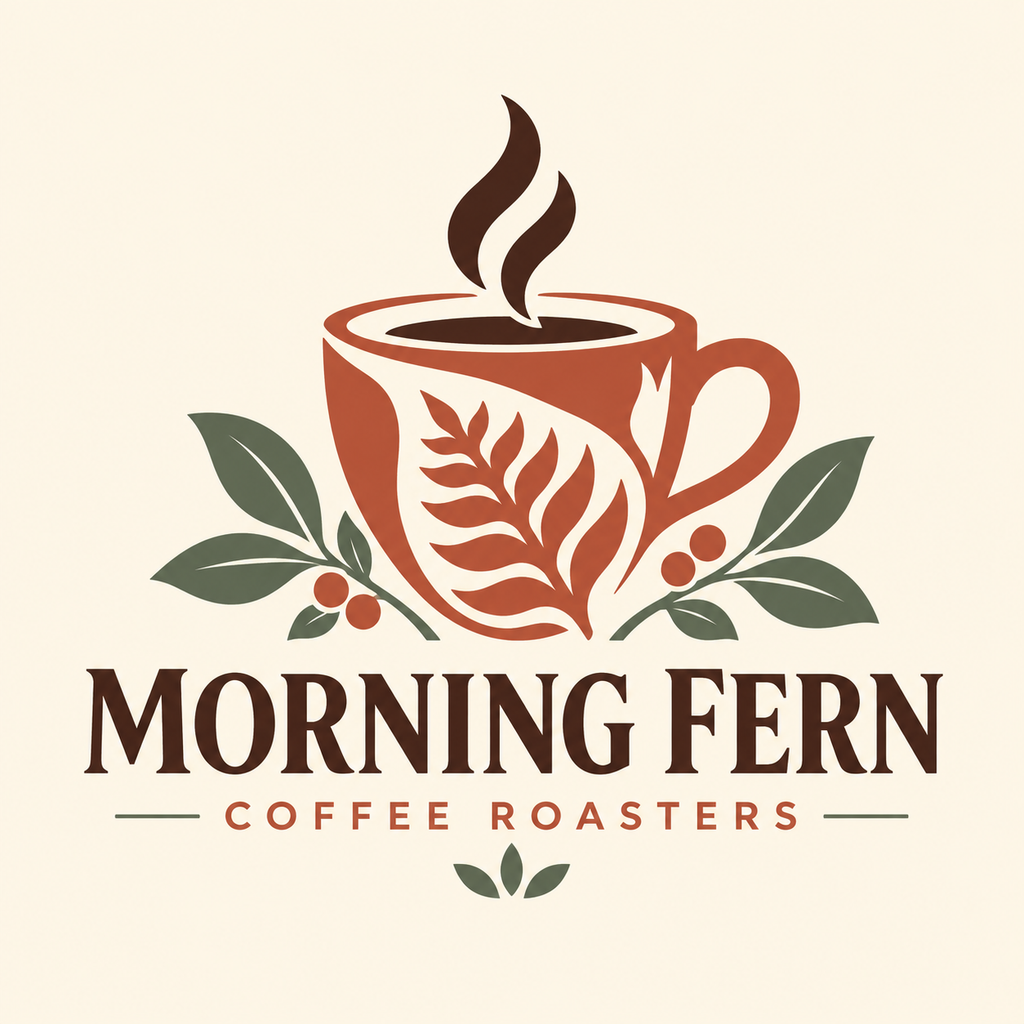
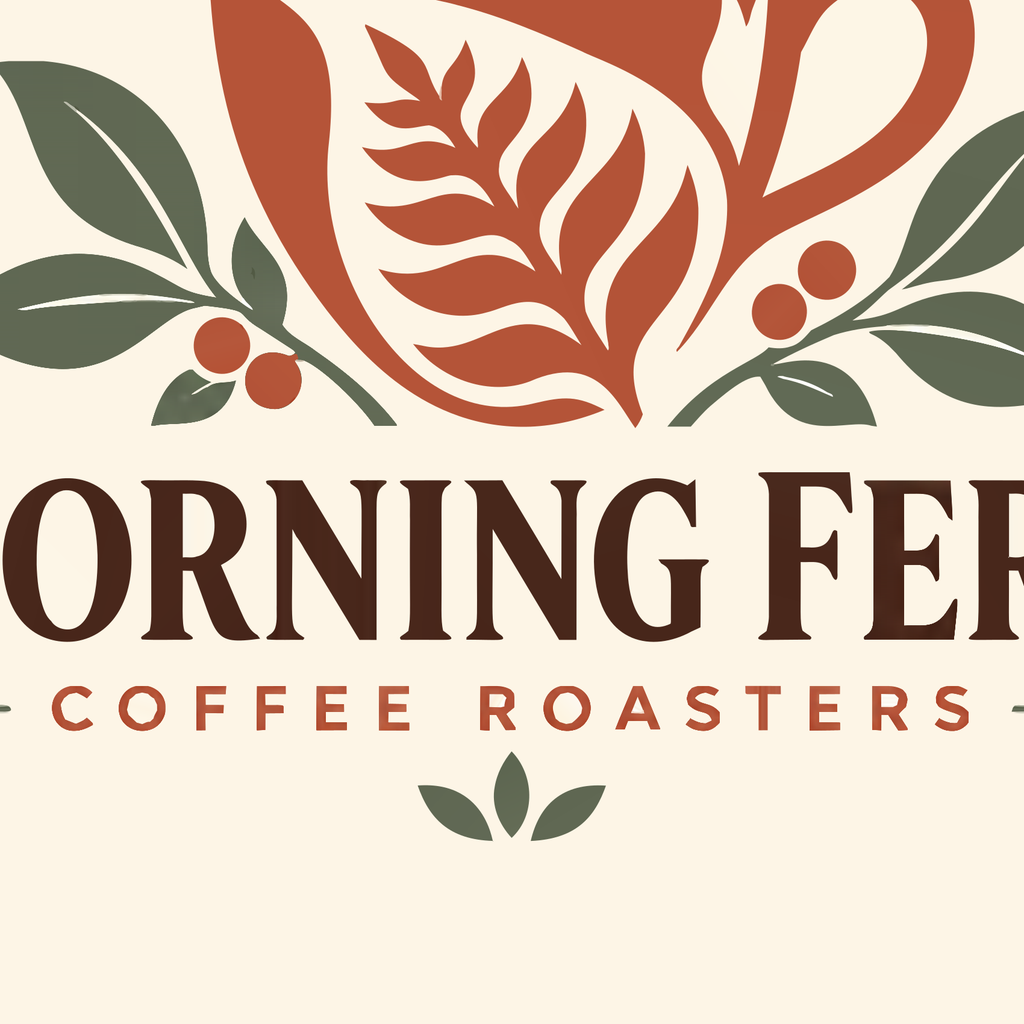
When enlarged to sign or poster size, vector edges stay crisp. Below is the brand name and small lettering zoomed in.
Sign in to convert one image at a time and download SVG: up to 3 successful conversions per UTC day and 15 per month. PDF, EPS, DXF and batch ZIP downloads require paid access. Public examples can be tried and downloaded without signing in or using your allowance.
Pricing ↗
Convert a one-color logo to SVG so you can resize it or change its color. Check the outer edge and the spaces inside it.
Convert an icon to SVG while keeping its transparent background. Check soft edges against both light and dark backgrounds.
Convert an icon with gradual color changes to SVG. Compare the result carefully: smooth shading works better than grainy textures or photos.
Convert a clear line drawing into editable SVG shapes. The result follows both edges of each drawn line; it does not create a single line through the middle.
Already have an image made with AI? Convert it to SVG, then edit its shapes in a drawing app. This tool converts image files; it does not draw from a text prompt.
Convert an image, download the SVG and drag it into Figma. You can then edit the shapes and colors. Letters from the image become shapes, not text you can retype.
Ask for the original logo file first. Enlarging a blurry picture cannot reliably restore unclear letters. Try converting a clear image to SVG, then check the letters and outlines against the original. Fix any mistakes in a drawing app before using the logo.
Choose a clear logo or drawing. Use the original file if you have it, rather than a small screenshot.
Sign in and convert. Zoom in to check letters, corners and small gaps against the original.
Download the SVG. Open it in the app where you plan to use it and check that it looks right.
Yes. Open the SVG in a vector editor such as Figma, Inkscape or Illustrator to change shapes and colors. Letters from the image become shapes: to change a word, type it again in your editor. Some effects may look different between apps.
No automatic tracer can guarantee perfection. This tool suits icons and logos, not photos. Tiny text, touching shapes, shadows and textures may need manual edits. Try a free preview before buying.
No. Your image and SVG result are not uploaded to the cloud during conversion. Account authorization and quota records use only the necessary usage data. Feedback you choose to submit is uploaded separately.
Your images and results stay in this browser for 24 hours. Download them in time, or upload the original again after they expire.