Flower studio illustration ↗


Compare a flower-studio illustration with its SVG conversion. Import the file into Figma to select shapes and change colors.

Compare a flower-studio illustration with its SVG conversion. Import the file into Figma to select shapes and change colors.
PNG / JPG / WebP / GIF / BMP · up to 20 MB each
Connecting…


Compare a flower-studio illustration with its SVG conversion. Import the file into Figma to select shapes and change colors.
Keep a clear raster image for fixed-size display if you do not need to edit shapes. Choose SVG for specific edits or resizing only after checking the artwork; detailed illustrations can produce larger files.
Read the related explanation →
Convert a PNG logo or icon to SVG for resizing, recoloring and use in your designs. Transparent areas stay transparent.

Convert a logo or illustration into a vector PDF for print layouts and documents. Keep the converted shapes, colors, gradients and transparency.
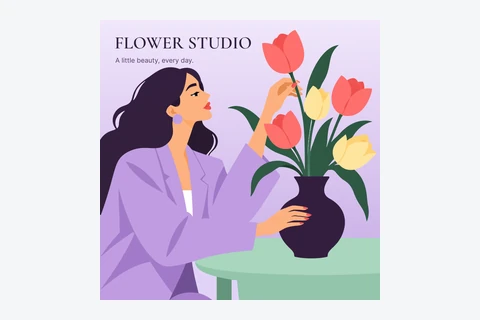
Turn a PNG or JPG into SVG for Figma. Import the file, select its shapes and change colors to fit your design.
Choose a clear logo or drawing. Use the original file if you have it, rather than a small screenshot.
Sign in and convert. Zoom in to check letters, corners and small gaps against the original.
Download the SVG. Open it in the app where you plan to use it and check that it looks right.
Yes. Open the SVG in a vector editor such as Figma, Inkscape or Illustrator to change shapes and colors. Letters from the image become shapes: to change a word, type it again in your editor. Some effects may look different between apps.
No automatic tracer can guarantee perfection. This tool suits icons and logos, not photos. Tiny text, touching shapes, shadows and textures may need manual edits. Try a free preview before buying.
No. Your image and SVG result are not uploaded to the cloud during conversion. Account authorization and quota records use only the necessary usage data. Feedback you choose to submit is uploaded separately.
Your images and results stay in this browser for 24 hours. Download them in time, or upload the original again after they expire.