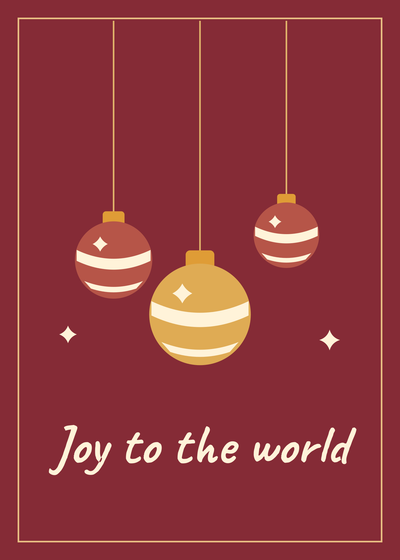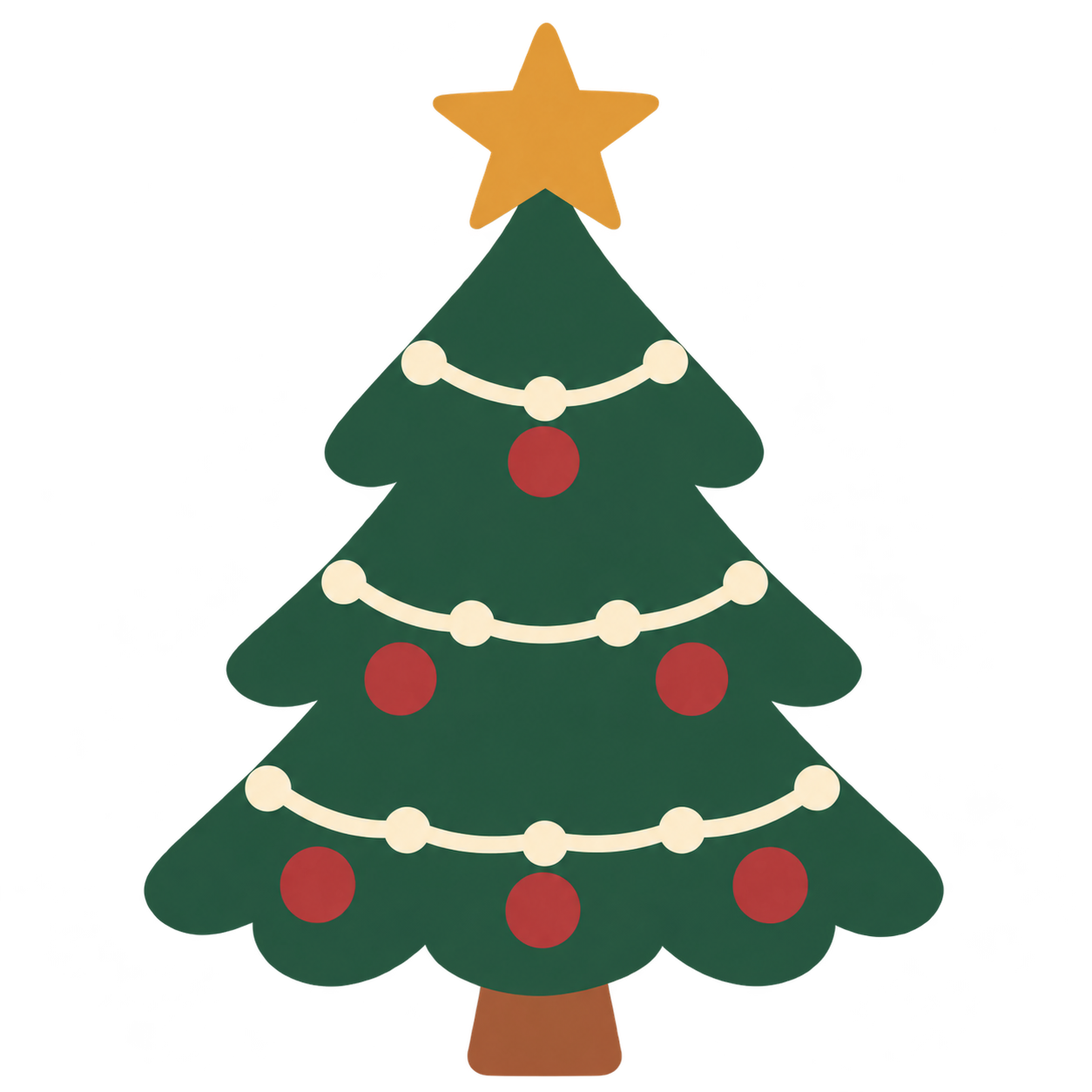

Find free Christmas SVGs for paper crafts, vinyl and printing. Download snowflakes, ornaments, Christmas lettering and printable projects without signing up.
Compare the transparent original with the actual conversion before you resize or recolor it.
PNG / JPG / WebP / GIF / BMP · up to 20 MB each
Connecting…
One ZIP with the editable SVGs. Download PDFs and phone wallpapers separately below.
Free for personal and classroom projects. Please share the page link instead of redistributing the files.
Five single-color silhouettes for paper, vinyl and other crafts. Size them for your project and check the cut preview before using a machine.
Use the colorful transparent PNGs for printing or the editable SVGs to resize and recolor the artwork.
Add a holiday greeting to a card, sign or gift. The letters are vector shapes, so the SVGs open without installing a font.
Choose A4 or US Letter and print at 100%. The PDFs include trim, fold or punch guides for the project.
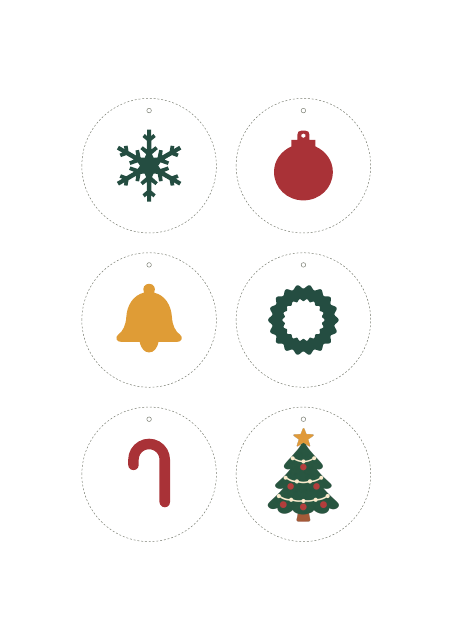
Six hanging decorations. Print on cardstock, cut around each circle and punch the small hole for ribbon.
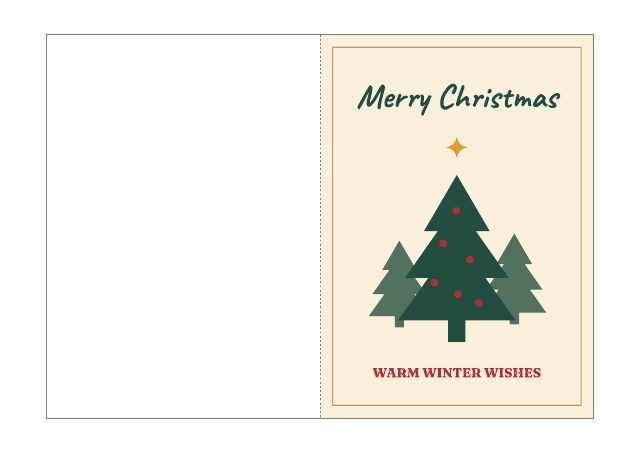
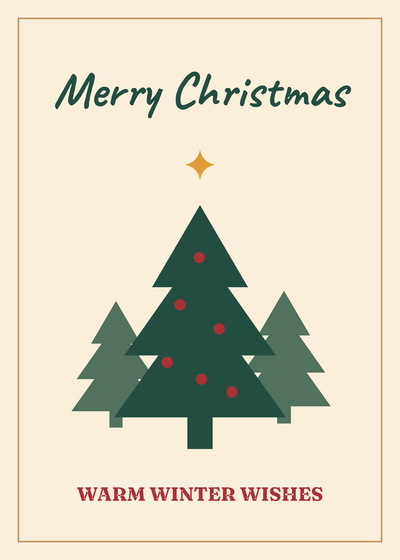
Two 5 × 7 in cards with blank interiors. Print single-sided in landscape, trim each card and fold down the center. The individual SVG and PNG files are card fronts.
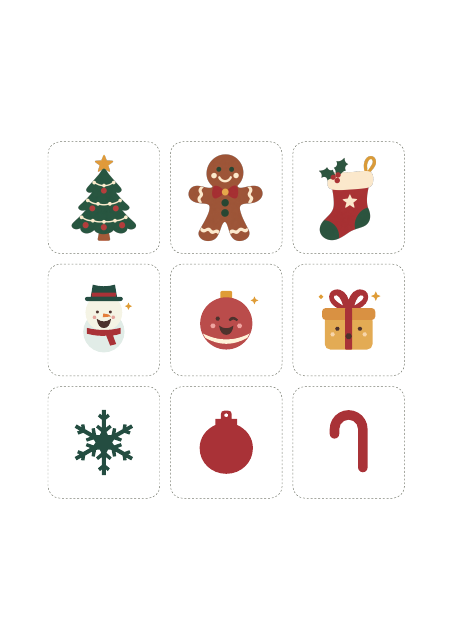
Nine designs for printable sticker paper. Cut by hand along the rounded borders.
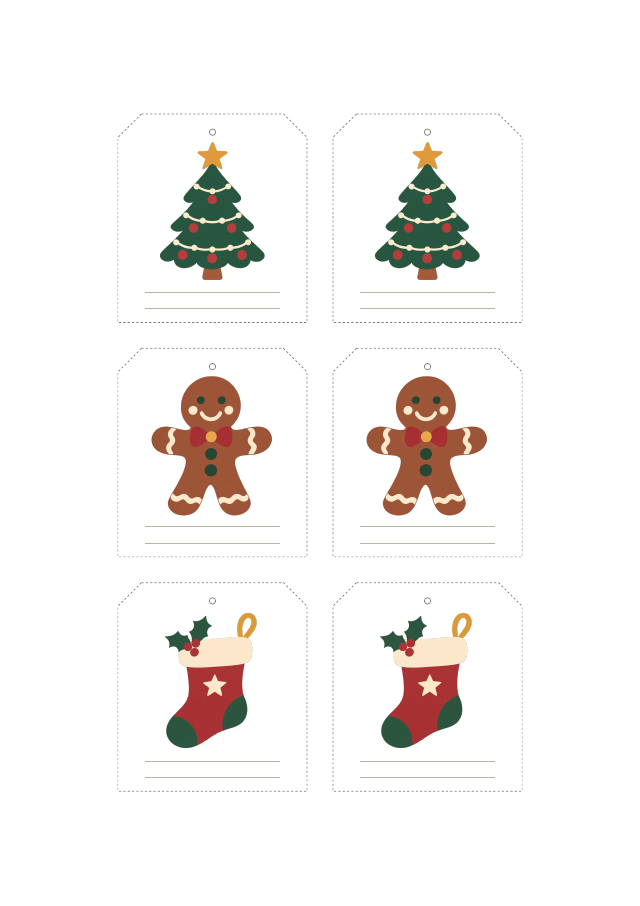
The A4 and US Letter PDFs each include two tags per design, space to write a name, and guides for cutting and punching by hand.
Two portrait PNGs at 1170 × 2532 with space near the top for the lock-screen clock.

Three transparent 512 × 512 PNGs for chats and posts, with matching editable SVGs.
Use the PDF for the ready-made sheet, the PNG for your own print layout, or the SVG to resize and edit shapes in a vector editor.
Choose the PDF that matches your paper, select 100% or Actual size, and use cardstock your printer can handle.
Cut along the dashed guides, punch the marked holes, write the names and tie the tags onto your gifts. The PDF has no machine registration marks.
Upload a clear PNG or JPG, convert it, then compare the colors and edges before downloading your SVG. The example files above are ready to download without an account.
Import the SVG into Cricut Design Space. Start with the single-color snowflake or ornament designs for Basic Cut and check the mat preview. For full-color stickers, upload the PNG or flatten the SVG for Print Then Cut. Test the size on scrap material first.
Sign in to convert one image at a time and download SVG: up to 3 successful conversions per UTC day and 15 per month. PDF, EPS, DXF and batch ZIP downloads require paid access. Public examples can be tried and downloaded without signing in or using your allowance.
Pricing ↗
Turn a line drawing into SVG outlines for resizing, printing or changing line colors. Compare the original drawing and converted shapes.

Convert a PNG logo or icon to SVG for resizing, recoloring and use in your designs. Transparent areas stay transparent.
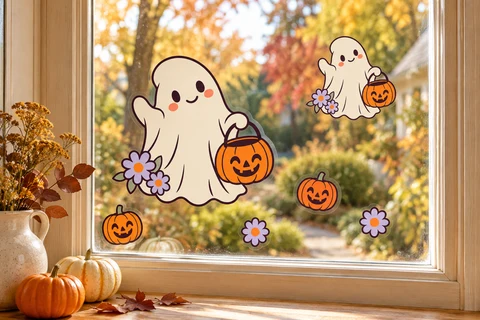
Download a ghost design and make colorful stickers for your window.
SVG · PNG · PDF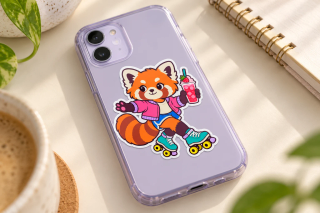
Print a sheet of red panda stickers for your phone case or other smooth surfaces.
SVG · PNG · PDF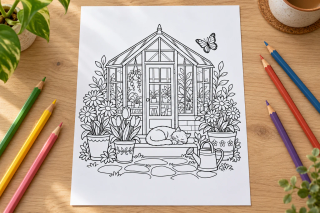
Download a greenhouse coloring page in SVG, PNG or a ready-to-print PDF.
SVG · PNG · PDFChoose a clear logo or drawing. Use the original file if you have it, rather than a small screenshot.
Sign in and convert. Zoom in to check letters, corners and small gaps against the original.
Download the SVG. Open it in the app where you plan to use it and check that it looks right.
Yes. Open the SVG in a vector editor such as Figma, Inkscape or Illustrator to change shapes and colors. Letters from the image become shapes: to change a word, type it again in your editor. Some effects may look different between apps.
No automatic tracer can guarantee perfection. This tool suits icons and logos, not photos. Tiny text, touching shapes, shadows and textures may need manual edits. Try a free preview before buying.
No. Your image and SVG result are not uploaded to the cloud during conversion. Account authorization and quota records use only the necessary usage data. Feedback you choose to submit is uploaded separately.
Your images and results stay in this browser for 24 hours. Download them in time, or upload the original again after they expire.