ImageSVG

Heron crest as JPEG

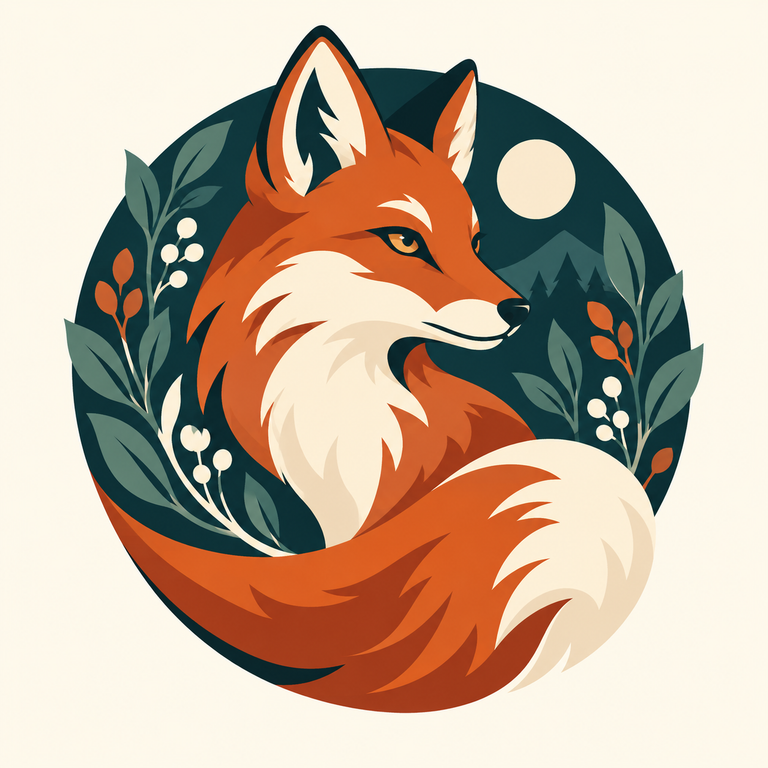
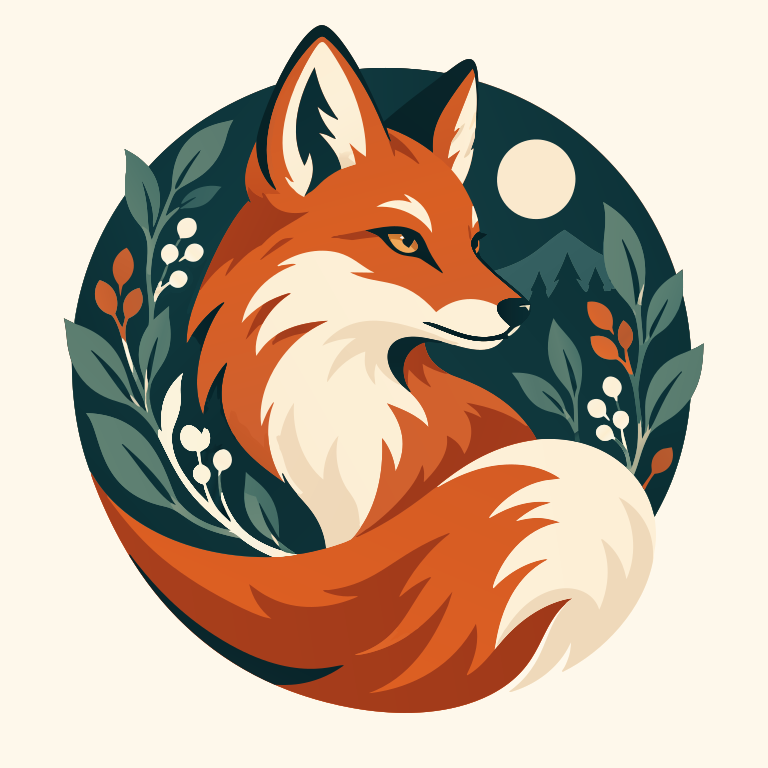
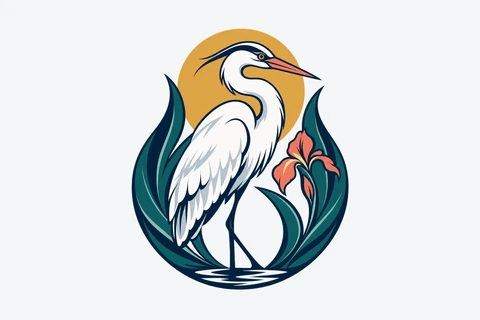
The crest placed on white and saved as JPEG at quality 65. Compare its background and edges with the transparent PNG. Conversion does not remove that white background.

PNG / JPG / WebP / GIF / BMP · up to 20 MB each

Connecting…

Examples
Your images
    Original
    Original image
    SVG
    Converted vector

    Heron crest as JPEG ↗
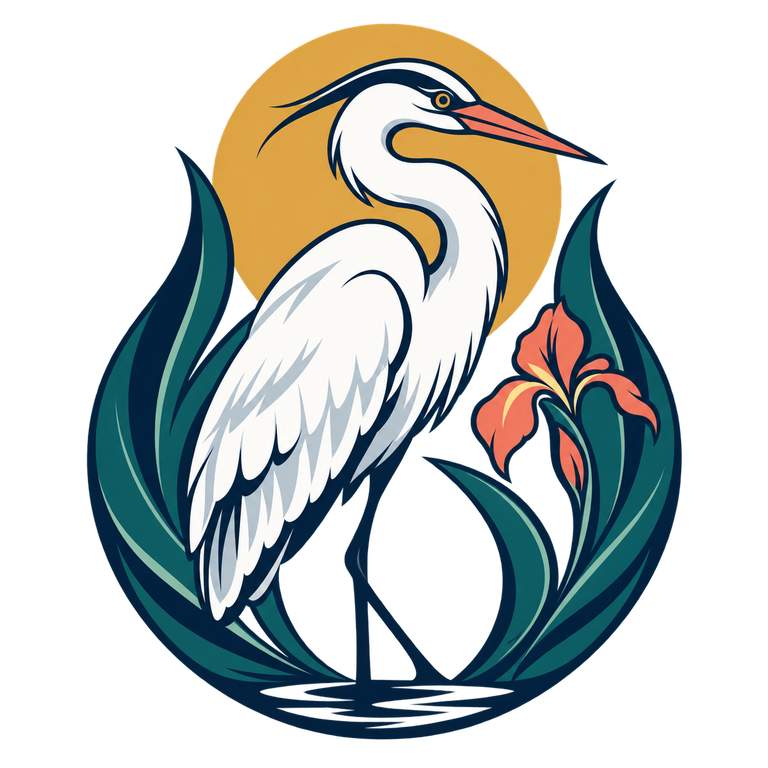
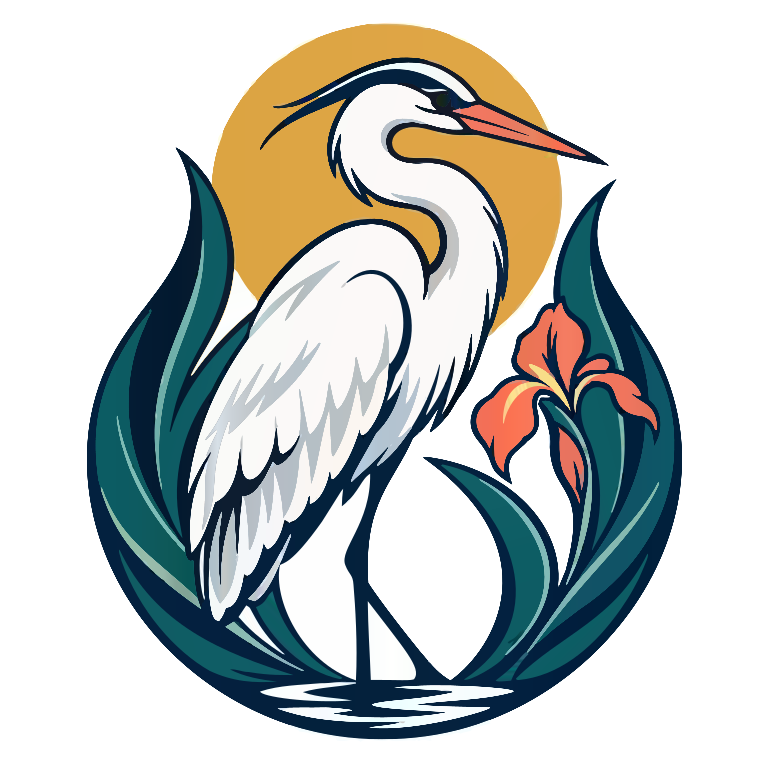
    Heron crest as JPEG — Original image
    JPG · 768 × 768
    Heron crest as JPEG — Converted SVG
    Converted SVG · 218 shapes

    The crest placed on white and saved as JPEG at quality 65. Compare its background and edges with the transparent PNG. Conversion does not remove that white background.

    Open the example and download the original image and SVG for free, without signing in.

    About these files

    Original format
    JPG
    Original dimensions
    768 × 768
    Conversion setting
    Fewer nodes — simple shapes
    Image purpose
    Icon / Logo

    What to check in this example

    1. Download the original file and check its background before comparing the SVG. A white source background is part of the picture.
    2. Compare the beak, eye and narrow feather gaps with the PNG version using the links below.
    3. Inspect color boundaries and any halos at the same display size. Changing the extension cannot restore details already lost in the original.

    When to use the result

    Choose the clearest available original rather than a format by name. JPEG and this 24-bit BMP have opaque backgrounds; this GIF uses a limited palette. The comparison records actual files, not a claim that one format always traces better.

    Read the related explanation →

    Compare the same logo in five formats

    These are individual conversions, not a ranking of formats. The PNG uses a different conversion setting from the other files. Compression, transparency and settings can all affect the result. Fewer shapes or bytes do not prove better quality.

    Compare the same logo in five formats
    ExampleOriginal formatOriginal dimensionsConversion settingSVG shapesSVG bytes, uncompressed
    Heron crestPNG768 × 768More detail — fine marks115398599
    Heron crest as JPEGJPG768 × 768Fewer nodes — simple shapes218480726
    Heron crest as lossless WebPWEBP768 × 768Fewer nodes — simple shapes103450144
    Heron crest as GIFGIF768 × 768Fewer nodes — simple shapes94345174
    Heron crest as BMPBMP768 × 768Fewer nodes — simple shapes9377516
    • Heron crest: An AI-created demonstration image. Compare the beak, layered feathers and gaps between the leaves. White feathers belong to the drawing; the area around the crest is transparent.
    • Heron crest as JPEG: The crest placed on white and saved as JPEG at quality 65. Compare its background and edges with the transparent PNG. Conversion does not remove that white background.
    • Heron crest as lossless WebP: The same crest is saved as lossless WebP with transparency. Download the WebP and compare its traced SVG with the PNG example.
    • Heron crest as GIF: A single-frame GIF of the same crest, with a limited color palette. Compare edges and transparent areas with the PNG example; the SVG is traced from this GIF.
    • Heron crest as BMP: The same crest is saved as a 24-bit BMP. Transparent areas are flattened to white because this BMP has no alpha channel. Compare its traced background with the PNG example.

    More conversion guides

    How it works

    01

    Choose an image

    Choose a clear logo or drawing. Use the original file if you have it, rather than a small screenshot.

    02

    Preview SVG

    Sign in and convert. Zoom in to check letters, corners and small gaps against the original.

    03

    Download

    Download the SVG. Open it in the app where you plan to use it and check that it looks right.

    Pricing

    Everyday free

    USD 0

    • 15 free conversions per month · 3 per day
    • One image per conversion
    • SVG export only
    • All three curve styles
    • No watermarks
    Try it free ↗

    7-day pass

    USD 4.99

    • Unlimited images for 7 days
    • Up to 40 images per batch
    • SVG / PDF / EPS / DXF download
    • Download your batch as a ZIP
    • All three curve styles
    • No watermarks
    • No auto-renewal

    Monthly subscription

    $9.99 per month

    • Unlimited images
    • Up to 40 images per batch
    • SVG / PDF / EPS / DXF download
    • Download your batch as a ZIP
    • All three curve styles
    • No watermarks
    • monthly auto-renewal · cancel anytime

    Fair use

    Secure checkout by Dodo Payments. Applicable taxes shown at checkout.

    FAQ

    Is the SVG really editable?

    Yes. Open the SVG in a vector editor such as Figma, Inkscape or Illustrator to change shapes and colors. Letters from the image become shapes: to change a word, type it again in your editor. Some effects may look different between apps.

    Will every image look perfect?

    No automatic tracer can guarantee perfection. This tool suits icons and logos, not photos. Tiny text, touching shapes, shadows and textures may need manual edits. Try a free preview before buying.

    Do you upload my image?

    No. Your image and SVG result are not uploaded to the cloud during conversion. Account authorization and quota records use only the necessary usage data. Feedback you choose to submit is uploaded separately.

    How long are files kept?

    Your images and results stay in this browser for 24 hours. Download them in time, or upload the original again after they expire.

    60 images · USD 9.99

    Activate access for your Google account.

    Originals and results stay in this browser tab for up to 24 hours from import, without cloud history or cross-device recovery. Refreshing or adjusting does not extend expiry. Clear removes the local task; expired data is cleaned while the app is open or on the next visit. Browser storage is not a backup. Consented feedback has a separate retention policy.

    Dodo Payments sets the checkout language from your browser and offers its own language selector. Unsupported languages use English. Product names keep their original language.

    Convert

    Confirm conversion

    Adjusting and exporting again uses no additional image allowance.

    Converting…

    0%

    Where did you hear about ImageSVG?