Heron crest as lossless WebP ↗


The same crest is saved as lossless WebP with transparency. Compare its traced SVG with the PNG example.

The same crest is saved as lossless WebP with transparency. Compare its traced SVG with the PNG example.
PNG / JPG / WebP / GIF / BMP · up to 20 MB each
Connecting…
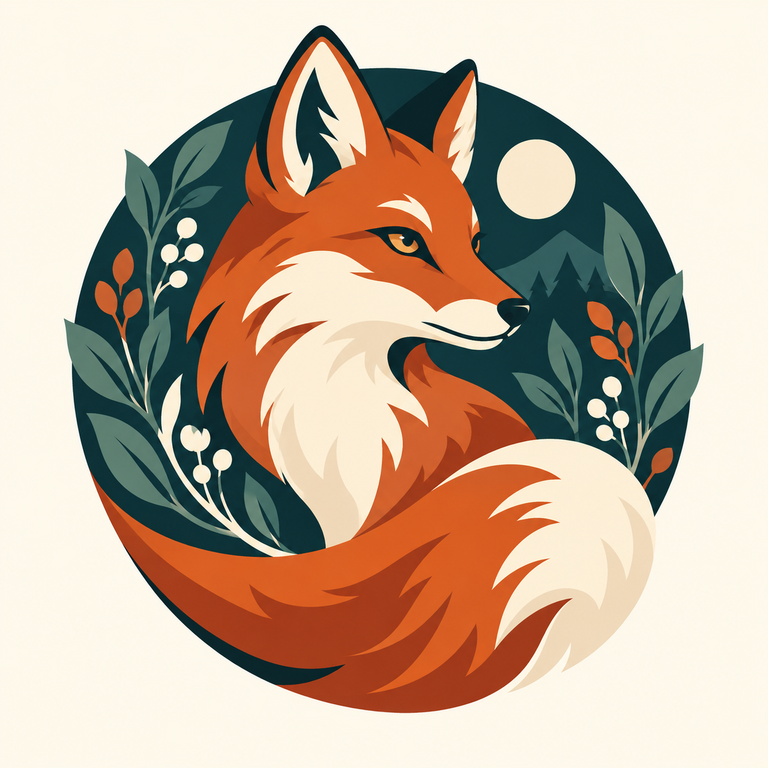
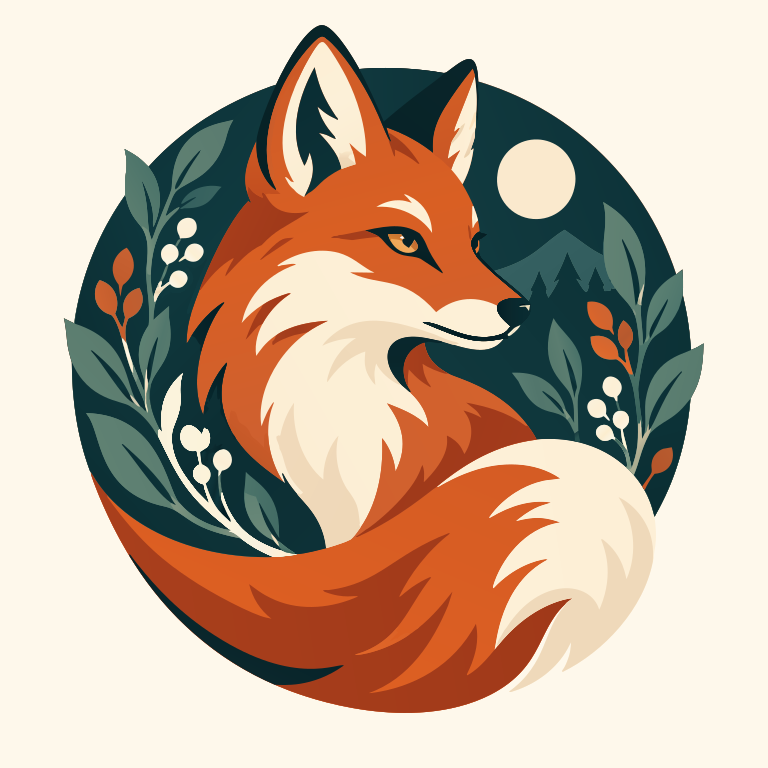
The same crest is saved as lossless WebP with transparency. Compare its traced SVG with the PNG example.
Choose the clearest available original rather than a format by name. JPEG and this 24-bit BMP have opaque backgrounds; this GIF uses a limited palette. The comparison records actual files, not a claim that one format always traces better.
Read the related explanation →These are individual conversions, not a ranking of formats. The PNG uses a different conversion setting from the other files. Compression, transparency and settings can all affect the result. Fewer shapes or bytes do not prove better quality.
| Example | Original format | Original dimensions | Conversion setting | SVG shapes | SVG bytes, uncompressed |
|---|---|---|---|---|---|
| Heron crest | PNG | 768 × 768 | More detail — fine marks | 115 | 402170 |
| Heron crest as JPEG | JPG | 768 × 768 | Fewer nodes — simple shapes | 218 | 483754 |
| Heron crest as lossless WebP | WEBP | 768 × 768 | Fewer nodes — simple shapes | 103 | 452660 |
| Heron crest as GIF | GIF | 768 × 768 | Fewer nodes — simple shapes | 94 | 354209 |
| Heron crest as BMP | BMP | 768 × 768 | Fewer nodes — simple shapes | 93 | 77988 |
Convert WebP logos and illustrations to SVG for resizing or changing colors. Transparent backgrounds are supported; animated WebP uses the first frame.
Convert your PNG or JPG logo to SVG so it stays sharp on signs, posters and screens. Resize the logo or change its colors in a vector editor.
Choose a clear logo or drawing. Use the original file if you have it, rather than a small screenshot.
Sign in and convert. Zoom in to check letters, corners and small gaps against the original.
Download the SVG. Open it in the app where you plan to use it and check that it looks right.
Yes. Open the SVG in a vector editor such as Figma, Inkscape or Illustrator to change shapes and colors. Letters from the image become shapes: to change a word, type it again in your editor. Some effects may look different between apps.
No automatic tracer can guarantee perfection. This tool suits icons and logos, not photos. Tiny text, touching shapes, shadows and textures may need manual edits. Try a free preview before buying.
No. Your image and SVG result are not uploaded to the cloud during conversion. Account authorization and quota records use only the necessary usage data. Feedback you choose to submit is uploaded separately.
Your images and results stay in this browser for 24 hours. Download them in time, or upload the original again after they expire.